IntroCam™
How to do it
You feel well and have a good hair day?
You are ready to answer some questions?
The let's get started.

Your first decision: Do you want to give a close-up statement to the camera, or would you rather be in the middle of the workshop, the office, or the newly opened gallery? This will determine whether you can rely on IntroCam™s AI-powered audio control or if a small clip-on microphone would be a good idea.

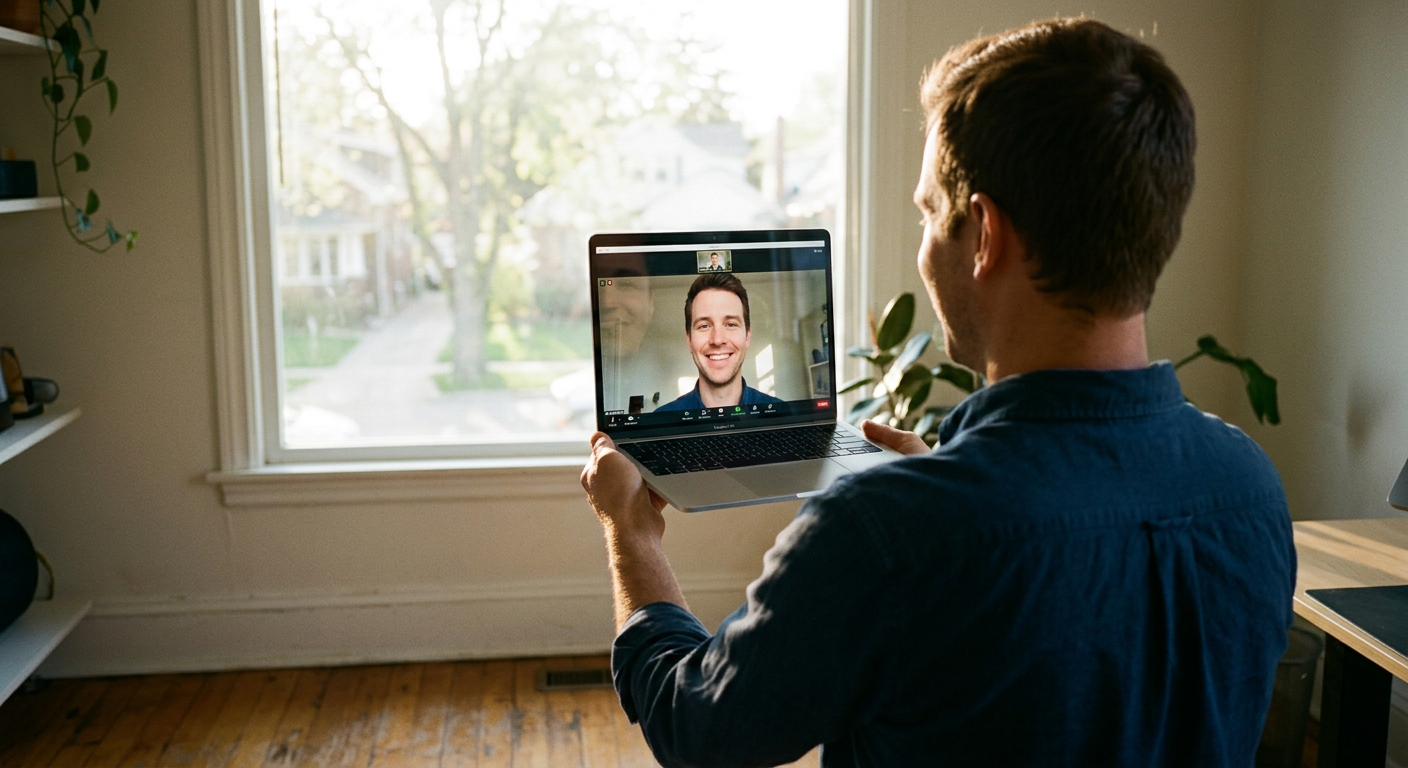
Next: You use a laptop? Then position yourself properly. The angle is key. Find some books or a cardboard box to prop up your laptop so it’s almost at eye level. This opens up your view and ensures an authentic background. Here’s a quick test: the laptop’s screen angle should be just UNDER 90 degrees.

Let natural light do the work for you. Don’t stand with your back to the sun, even professional TV lights wouldn’t stand a chance against it. It’s simple: if you feel light on your face, you’re in the right spot. In the evening, make use of floor lamps or whatever else is available. The AI’s image stabilization will take care of the rest. On mobiles and laptops. And by the way, hitting your face with straight-on light works wonders for wrinkles. 🙂

From now on, IntroCam™ takes over. It will calibrate your head to counteract any distortion caused by mobile phone or laptop camera lenses. In other words, it creates a natural-looking image.
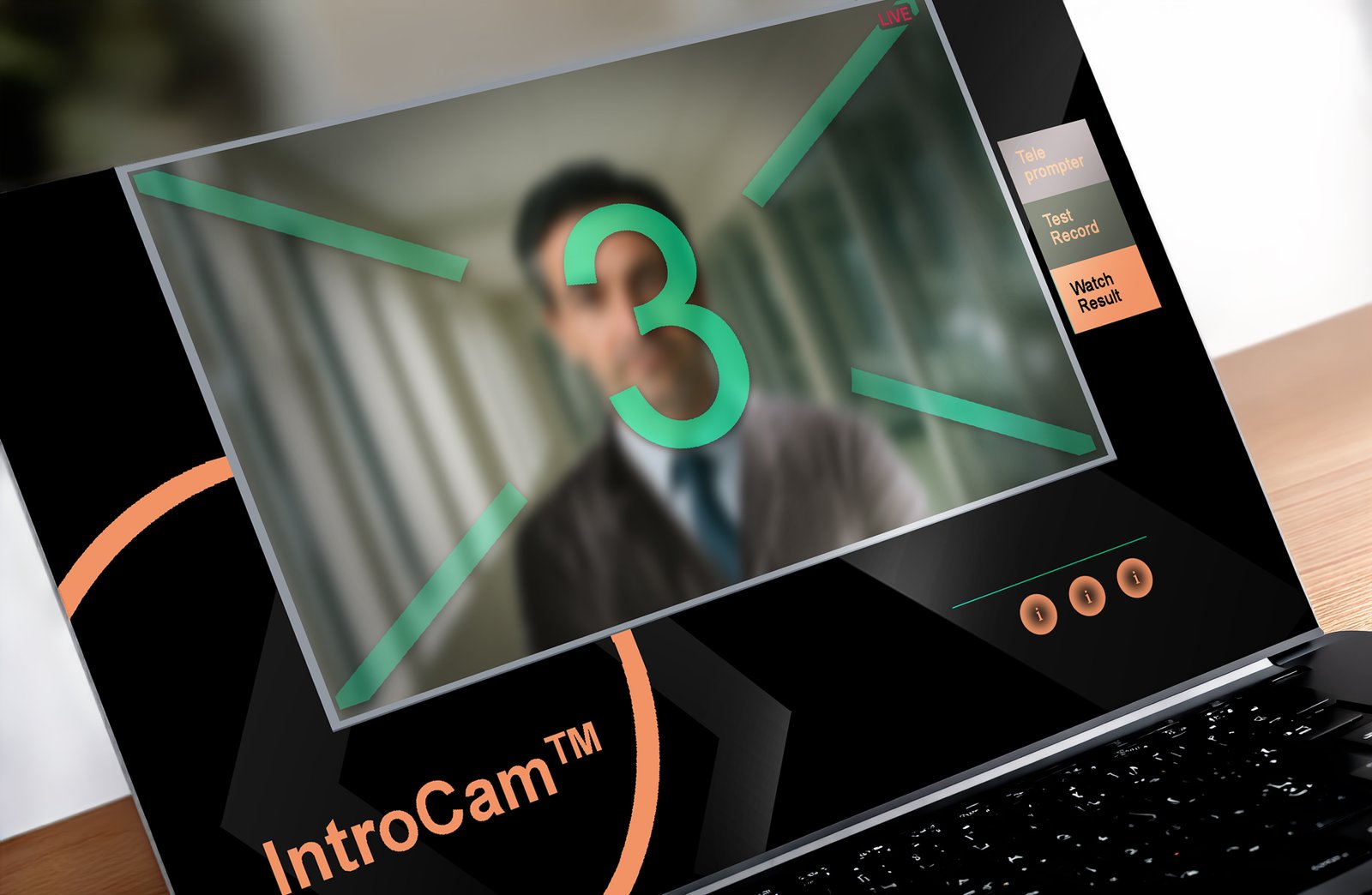
Then you’re ready to go. Use the countdown cross to position yourself for the start. The prompts will guide you through the process. Have a few takes to feel comfortable in your vieo review. After each take you can watch and decide: this is the one or - next try.
Once you’ve got your favourite shot, save it – and you’re done. In a few seconds, your testimonial video will be where it needs to be. No hassle.
Oh, and by the way: it’s up to you whether you want to provide a name for a film insert or caption.